
This article was created with the AI assistant Claude and published by Peter Hoenig.
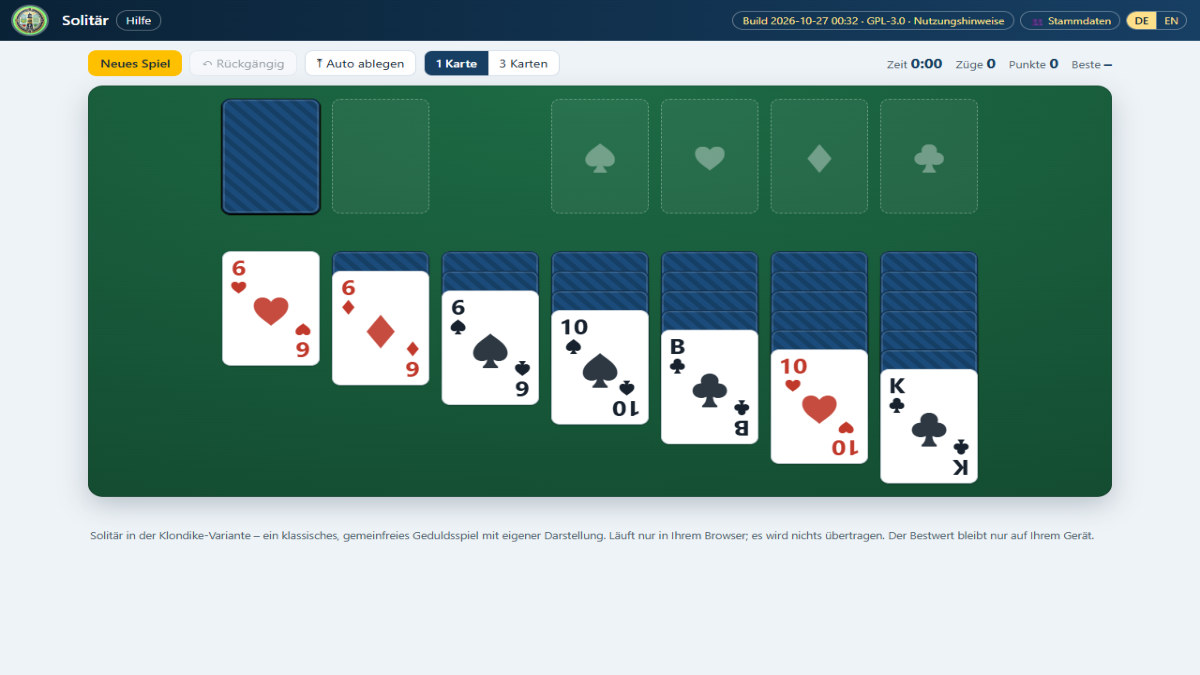
Solitaire – the quiet round for a short break. In the little collection of games among my tools there is now the classic Klondike solitaire in your browser: without registration, without advertising, and nothing is transmitted.
How to play
The aim is to bring all 52 cards, sorted by suit from Ace to King, onto the four foundations. In the seven columns you build downwards and in alternating colour – red on black, black on red. An empty column takes only a King. Face-down cards turn over as soon as they lie on top.
The stock at the top left reveals one or three cards with a click. You recognise permitted moves by the fact that the target card lights up when you drag a card over it. With Undo you take moves back; the best score per variant is kept only in your browser.
How do I play without a mouse?
Since November 2026 every move also works with the keyboard. A golden frame marks the selected pile, and below the table you can read what lies there. ← → change the pile, ↑ ↓ the row (at the top the stock, the waste and the foundations, at the bottom the seven columns) – within a column, ↑ chooses the face-up card from which several cards move together. 1 to 7 jump straight to a column. Enter or Space picks up the card, a second Enter on the target pile places it; on the stock, Enter draws. D draws from anywhere, F moves the selected card to the matching foundation, A moves everything that fits, U or Ctrl+Z undoes, N starts a new game, Esc cancels a selection. The help (H or F1) lists all keys.
Frequently asked questions
Does the keyboard get in the way when I play with the mouse?
No. The frame only appears once you press an arrow or number key or tab to the table; a mouse click or tap hides it again.
Can I move several cards at once?
Yes. In the column, use ↑ to go to the top card of the sequence, pick it up with Enter and place it on the target column with Enter – the cards below it move along.
In short
A public domain classic that can be played with mouse, finger or keyboard and transmits nothing. Solitaire is free of charge and available as free software under the GPL: Open solitaire. And if you would like to shape your tools and processes in your company so that they serve people, get in touch with me for a free initial consultation.
Solitaire is a game for entertainment – meant for the short break in between.
Open or download the tool
- Solitaire (game)Open Download (418 KB)
Thinking further
You can find more on this topic under Ressourcen und Downloads – or talk to me directly in a free initial consultation.